Ir al contenido principal

TXTImpact

Allow for SMS to be a support channel using TXTImpact and Zendesk

Sin valoraciones

0 reviews

Trabaja con

Support

Desarrollador

TXTImpact

Integrate the TXTImpact SMS app into Zendesk Support. Receive and respond to tickets via Text and MMS Message. Send customer satisfaction Survey via Text Message directly from Zendesk once ticket is solved.

Text Message feature would enable customers to open ticket via SMS and allow agents to respond to them via SMS.

  • Allow customers to open support ticket via SMS

  • Agent replies automatically send update the ticket and send response to customer via SMS

  • Create multiple campaign for multiple support numbers and link to individual departments or agents

  • Support Picture Messages (MMS), Emojies, and Attachments for all new and updated Tickets

Cómo instalar

Step-by-step instructions: How to Enable Zendesk Tickets Integration?

  • Login to the Dashboard with your TXTImpact credentials

  • Click on Manage Campaigns -> Add New campaign

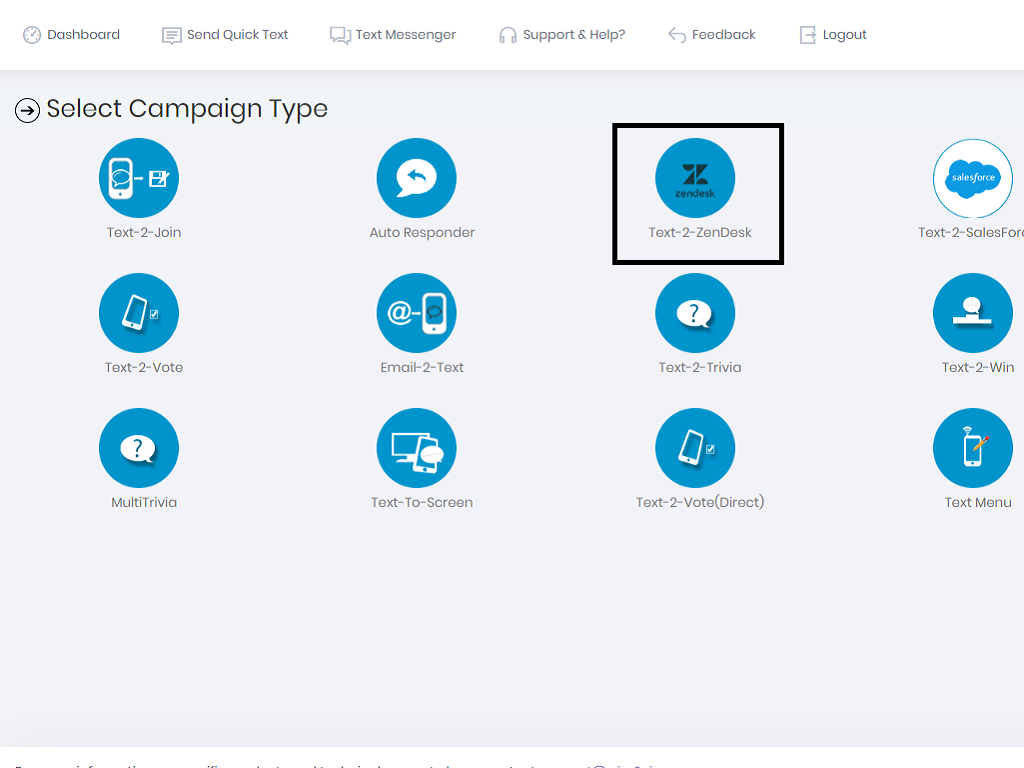
  • Click on Text-2-Zendesk icon

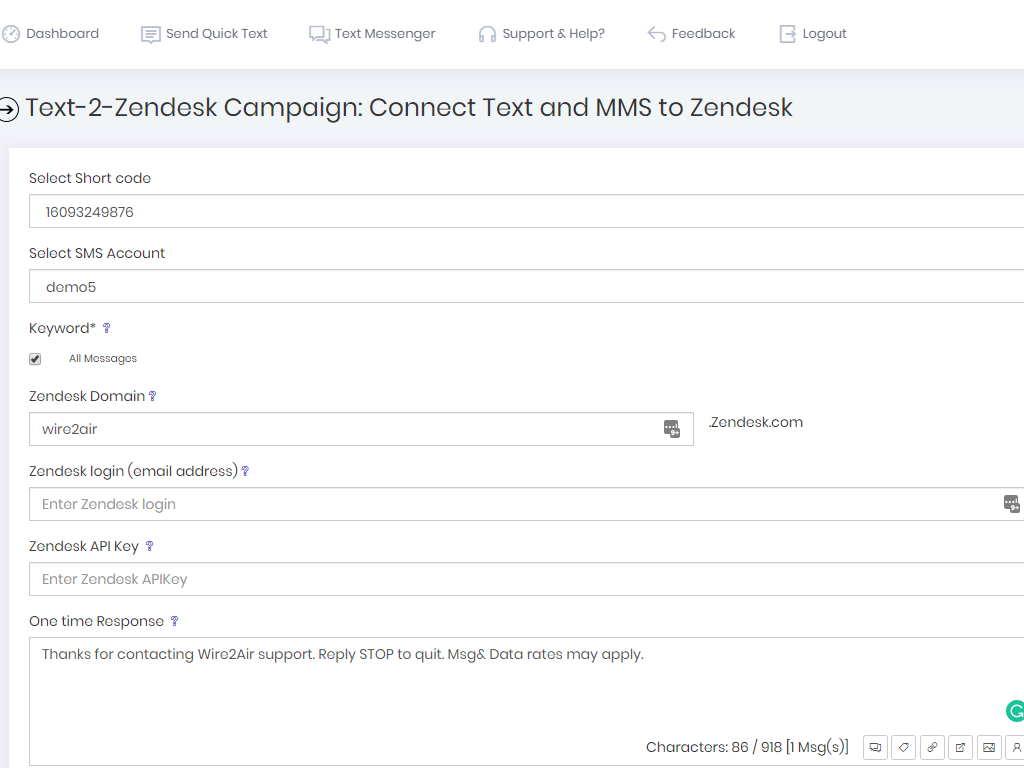
  • Select a short code And a Keyword or your dedicated 10 digit texting number

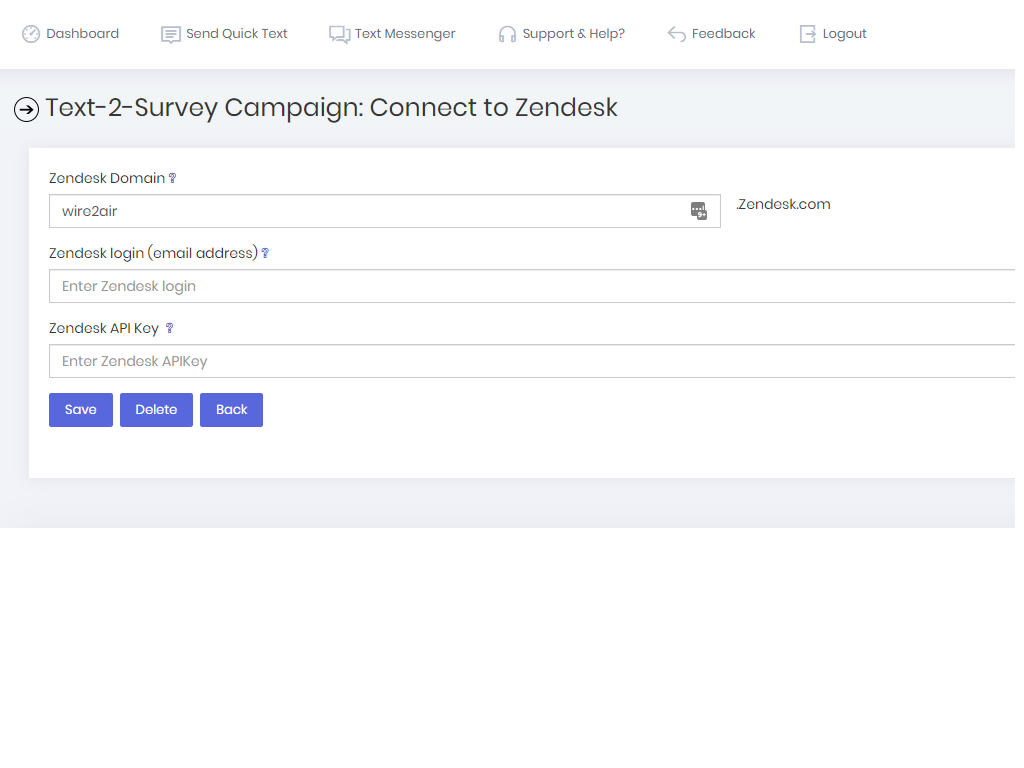
  • Enter Zendesk Domain, Login Email address and Zendesk API key

  • You can view your API key(s) or generate one from Zendesk admin tools and selecting the API option.

  • Click on Save

  • Once you save the campaign it will create one External Target and Two Triggers, which can change as per your requirements

Qué dicen los usuarios

Dejar una evaluación

Comparte tu experiencia con el resto de la comunidad Zendesk

.zendesk.com