Auto Knowledge Base
Turn solved tickets into knowledge base drafts automatically.
Trabaja con
Support
Desarrollador
Auto Knowledge Base
About this app
Your team answers the same questions every day. The answers go into ticket replies and disappear. No article gets written, so customers can't self-serve, your AI bots have nothing accurate to pull from, and the same question comes back tomorrow as a new ticket.
Auto Knowledge Base fixes this. It reads your real, recently solved support conversations and turns them into Knowledge Base drafts, without the manual work. You review and approve every change before anything goes live.
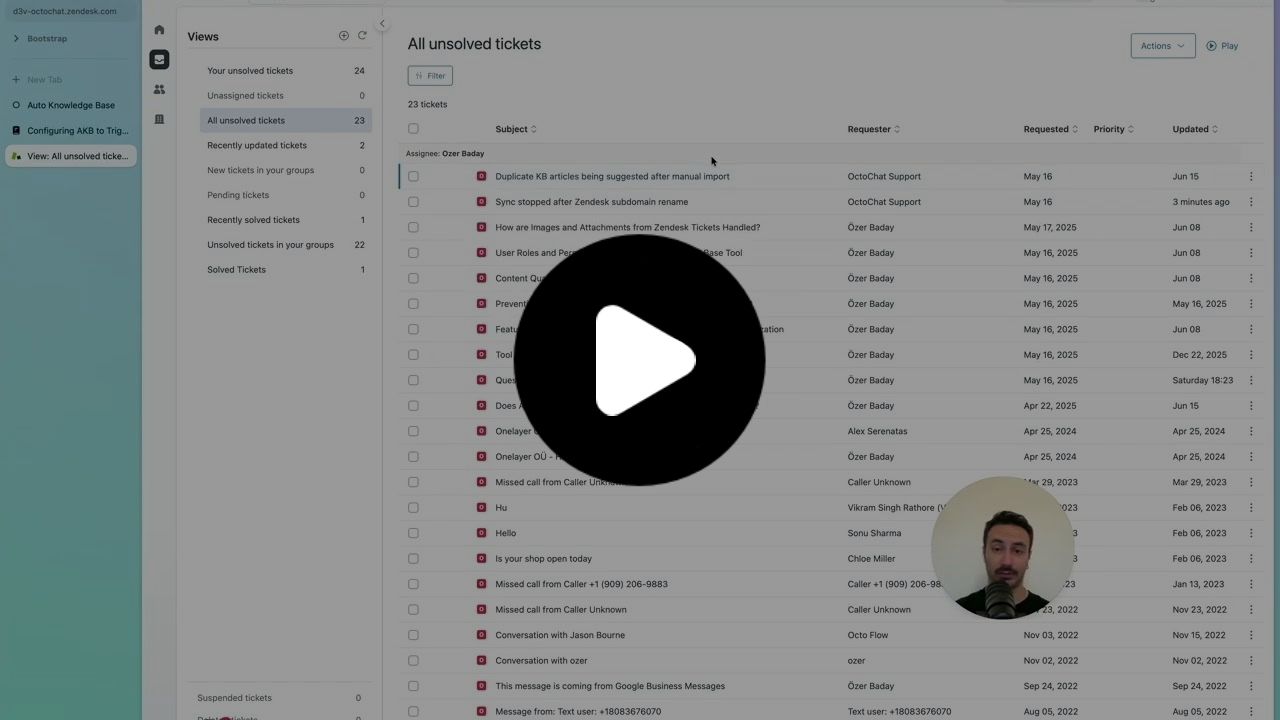
Why an up to date Knowledge Base matters
Many companies use AI to answer customer questions through bots, automations, and agent assist tools. But AI answers are only as good as the information behind them. If the Knowledge Base is outdated, AI responses quickly become inaccurate or misleading. Auto Knowledge Base keeps your Zendesk Knowledge Base aligned with how issues are actually being resolved.
What Auto Knowledge Base does
When a ticket is solved, Auto Knowledge Base analyzes it and decides whether your help center already covers the issue, whether an existing article needs updating, or whether a new article should be created. It then drafts the article directly in Zendesk Guide.
Tickets already covered by your help center are marked no action needed, so you are not flooded with noise. You only see drafts that are worth your attention.
Nothing is published automatically. Every draft waits for your team to review, edit, and publish when ready.
By keeping your Knowledge Base current, Auto Knowledge Base improves self service, reduces repeated tickets, and gives your AI powered support accurate source material instead of stale guesses.
How it works
One-click install from the Zendesk Marketplace. No engineering, no migration. Auto Knowledge Base starts analyzing your solved tickets from the moment it is installed.
As tickets are solved, Auto Knowledge Base checks each one against your help center and drafts a new article or updates an existing one. Tickets already covered are marked no action needed.
Drafts land in Zendesk Guide. You see exactly what will change, then edit, approve, or skip.
You publish when ready. Nothing goes live until you say so.
Pricing
Start with a 14-day free trial. Cancel anytime.
Data access and privacy
Auto Knowledge Base only accesses the data required to function. This includes solved ticket content, existing Knowledge Base articles, and generated draft articles. The data is used solely to analyze tickets and generate draft articles inside your Zendesk account. Auto Knowledge Base does not publish content automatically and does not use your data for unrelated purposes.
For more information, please review our Privacy Policy: https://www.autoknowledgebase.com/privacy
Detalles de la aplicación
Cómo instalar
Authenticate with your Zendesk account and install the app. For more information check out installation guide
Dejar una evaluación
Comparte tu experiencia con el resto de la comunidad Zendesk