Responder AI
Instant, AI-crafted customer responses—right inside Zendesk.
About this app
Responder AI is a lightweight yet powerful Zendesk app that helps agents craft high-quality customer responses in seconds. It combines your command, the customer’s latest message, and their name to generate a clear, personalized, and context-aware reply—without leaving the ticket.
How It Works:
1. Agent-Driven CommandsAgents simply type an instruction (e.g., "Please respond and say yes") and click the Responder AI icon. The app uses your prompt as intent and drafts a customer-ready message.
2. Customer Context ExtractionResponder AI automatically pulls the most recent public customer message and the customer's name, ensuring the reply is relevant, accurate, and properly addressed.
3. Smart Draft GenerationThe AI produces a clean, friendly, and well-formatted reply inside the ticket editor—no greetings or signatures added automatically unless configured.
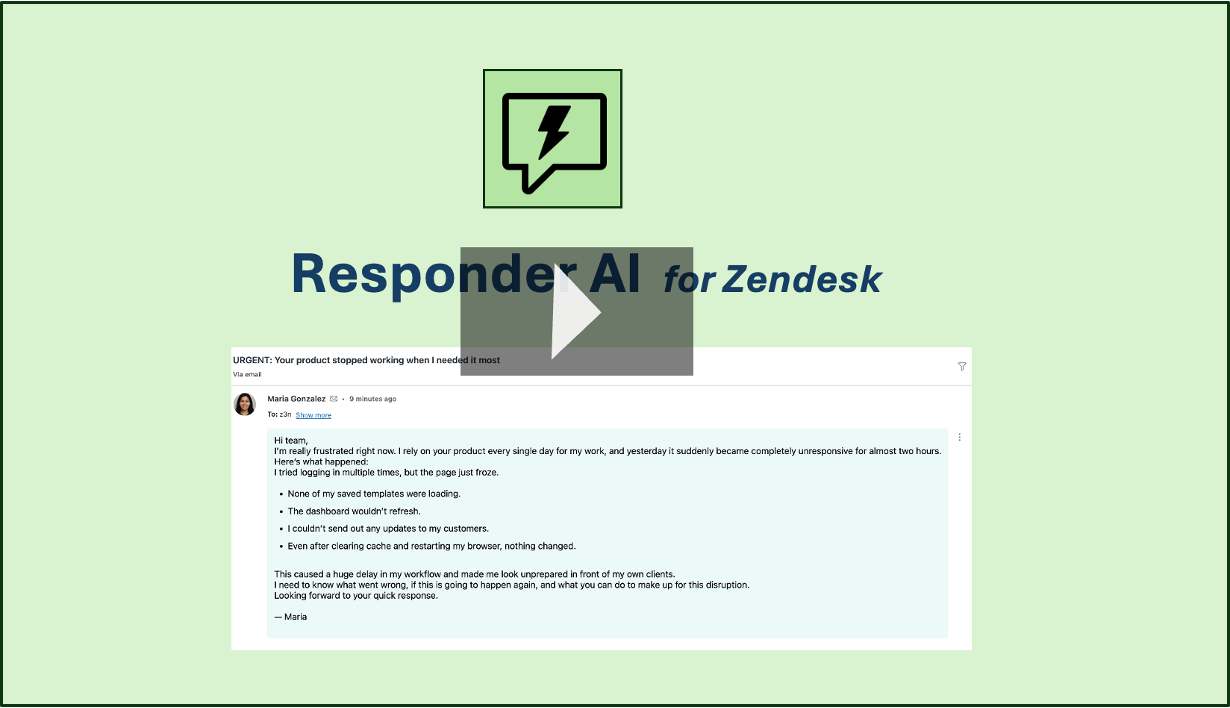
Watch the demo below:
Key Features:
- Instant Reply Generation – Craft customer responses in seconds.
- Uses Agent Intent – Your command determines tone, style, and direction.
- Pulls Latest Customer Message Automatically – Ensures responses are always accurate and contextual.
- Personalized Greetings – includes the customer's name.
- Clean Paragraph Formatting – Adds blank lines between ideas for readability.
- Tagging Support – Automatically applies a
responder_aitag for analytics. - Fast & Reliable – Powered by state-of-the-art AI models.
Data Handling & Privacy
Only the necessary ticket content (agent command + relevant customer message) is sent for response generation.
No PII is stored or logged on our servers.
Data is never used for training.
All processing happens in a secure, stateless backend.
Why Choose Responder AI?
Responder AI is designed for speed, clarity, and agent productivity,empowering agents to respond up to 10× faster. It eliminates repetitive typing, reduces response time, and ensures consistent, friendly communication. Whether you're handling customer complaints, refunds, troubleshooting, or simple questions—Responder AI helps agents deliver high-quality responses every time.
For more details and support, visit Responder AI Support.
Detalles de la aplicación
Cómo instalar
Install the app
Click 'Install' to begin.
You will be redirected to your Zendesk admin area (admin rights required).
The app is named ‘Responder AI’ by default; rename it if needed.
Apply any group or role restrictions.
Click ‘Install’ again to complete setup.
Access the app
Open a ticket in Zendesk Agent Workspace.
- Type your command in the editor (e.g., "Please respond politely").
Click the Responder AI icon.
The app will pull the customer's latest public message, generate a contextual reply, and insert it into the editor.
If you need help or have any questions, contact support@mycxapps.com.
Dejar una evaluación
Comparte tu experiencia con el resto de la comunidad Zendesk